Exporting your patients' list, summary of consults, and patient invoices
To export your patients' list, go to the My patients page, and then click on Download CSV.
You can view and export a summary of your consults by clicking on the Settings tab in the top nav bar, and then on Summary of consults under the Stats, reports & exports section.
Select the time frame you would like a summary of by setting a start date and end date, then clicking Filter. Now, click the Download CSV button to generate a summary document of your consults that will automatically be downloaded to your computer.

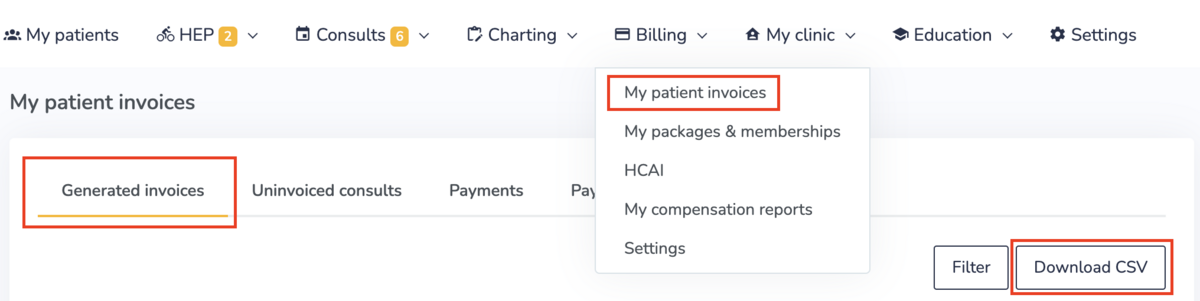
To export a list of your patient invoices, go to Billing > My patient invoices, and then clicking on Download CSV.